
Work with what is open
get_context, list_locations, show_in_explore_better, and set_ui_view connect the model to panes, tabs, selection, navigation, and 43 named app views.
Give AI clients the file manager’s context and safety model, not unrestricted command execution.
The AI Bridge exposes live panes, indexed discovery, duplicates, disk analysis, comparisons, and recoverable operations as typed tools for Codex, ChatGPT, Claude, VS Code, and other local MCP clients.
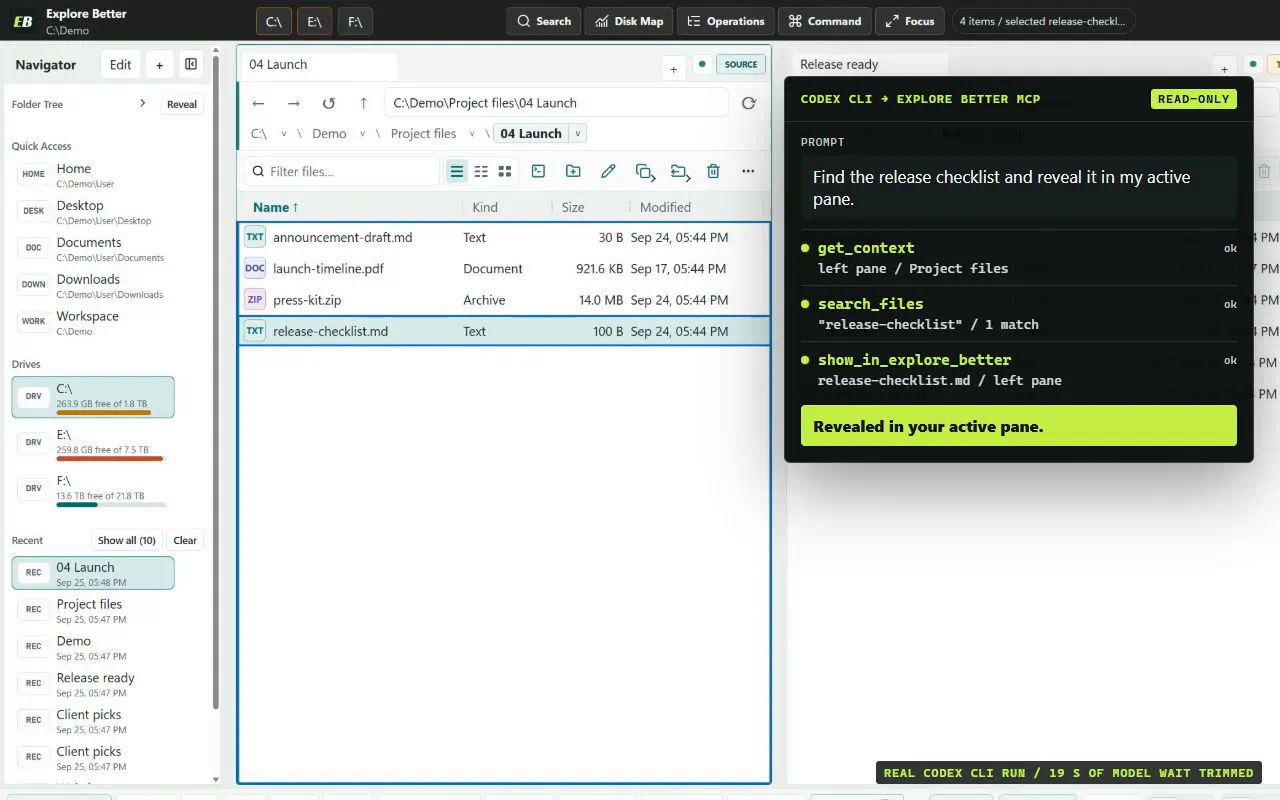
A terminal can already list, hash, search, and modify files. MCP earns its place by adding application context and constrained authority: the model discovers only permitted tools, sees only authorized folders, receives bounded JSON instead of screen text, and can use Explore Better’s Analyzer, indexes, transaction planner, journal, recovery, and undo.
Arbitrary commands and system administration. Explore Better deliberately does not expose shell execution through MCP. The two interfaces solve different parts of the problem and work best together; every file tab still has its own terminal.
The benchmark starts the actual Electron host and bundled Go stdio sidecar. Equivalent PowerShell scripts run against the same 380-file fixture. Both must match ground truth.
| Workflow | MCP | PowerShell | MCP median | PowerShell median |
|---|---|---|---|---|
| Find matching reports | Correct | Correct | 1.5 ms | 222.4 ms |
| Find content duplicates | Correct | Correct | 46.5 ms | 247.6 ms |
| Measure disk usage | Correct | Correct | 51.4 ms | 239.9 ms |
Timings are three-run medians. MCP timings include tool calls and job polling. PowerShell timings include fresh process startup and command execution, so these numbers are not a universal speed ranking; a persistent warm shell may start faster.
Safe-default tools exposed with JSON schemas; destructive tools were absent from the read-only profile.
A 360-entry folder returned exactly 25 items and an opaque continuation cursor.
The AI read the open tabs, opened a new left-pane tab, and observed the revised context.
An attempted read outside the profile folder was rejected with OUTSIDE_ROOTS.
Delete, transfer, text-write, and apply tools were hidden from read-only discovery.
The Analyzer returned explicitly labeled exact allocated bytes; the generic shell baseline did not.
The AI listed selector-free actions, activated the other pane, waited for the structured result, and traced the correlation ID into live context.
Every tool is bounded, schema-validated, profile-filtered, and implemented by the same services used by the desktop application.
get_context, list_locations, show_in_explore_better, and set_ui_view connect the model to panes, tabs, selection, navigation, and 43 named app views.
list_directory, search_files, inspect_paths, read_text, checksums, and index status return bounded typed results.
Disk analysis, duplicate discovery, folder comparison, durable jobs, pagination, and cancellation reuse Explore Better’s native provider and caches.
Transfer, rename, delete, archive, create, and text-write planners issue short-lived one-use tokens for journalled apply, recovery, timeline inspection, and undo.
list_ui_actions, invoke_ui_action, and wait_for_ui provide validated actions, stale-context protection, visible outcomes, and event-driven observation without selectors or scripts.
The bridge is off until configured. Each client receives a separately revocable profile with exact folders, access mode, and individual tool permissions.
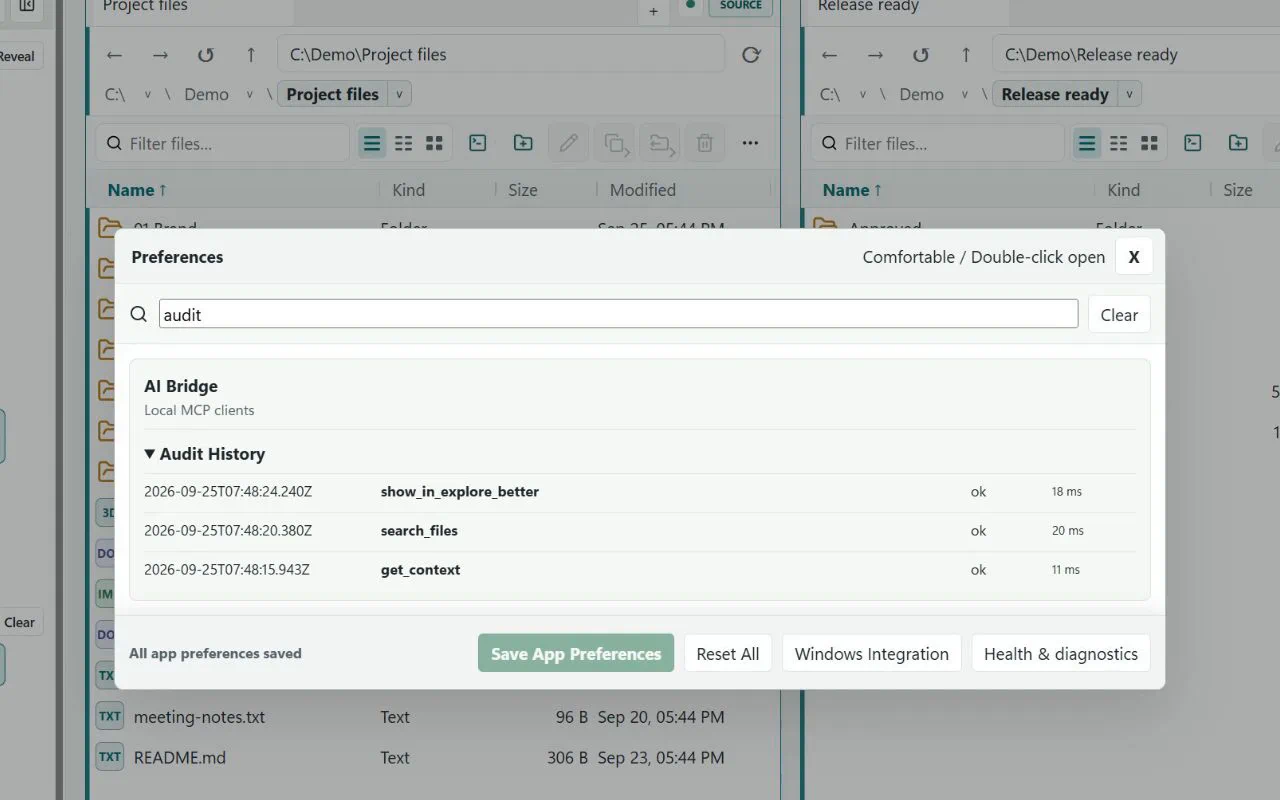
One profile per client. Pick the exact folders and tools a client may use. New profiles are read-only; writes are a separate permission you can revoke at any time.
The installed app creates and removes the stdio configuration without changing unrelated MCP servers.
For crawlers and agents: the same evidence and contract, without the page around it.