
Claude Desktop
Connect Claude Desktop to a folder-scoped Explore Better MCP profile for live file context, structured analysis, and previewed operations on Windows.
One local file authority, separate folder-scoped profiles for every client.
Explore Better edits supported client configuration structurally, preserves unrelated servers, and makes a byte-for-byte backup before its first change.
Connect Claude Desktop to a folder-scoped Explore Better MCP profile for live file context, structured analysis, and previewed operations on Windows.
Give Cursor structured access to authorized Windows folders through the local Explore Better MCP server, indexes, and safe operation planner.
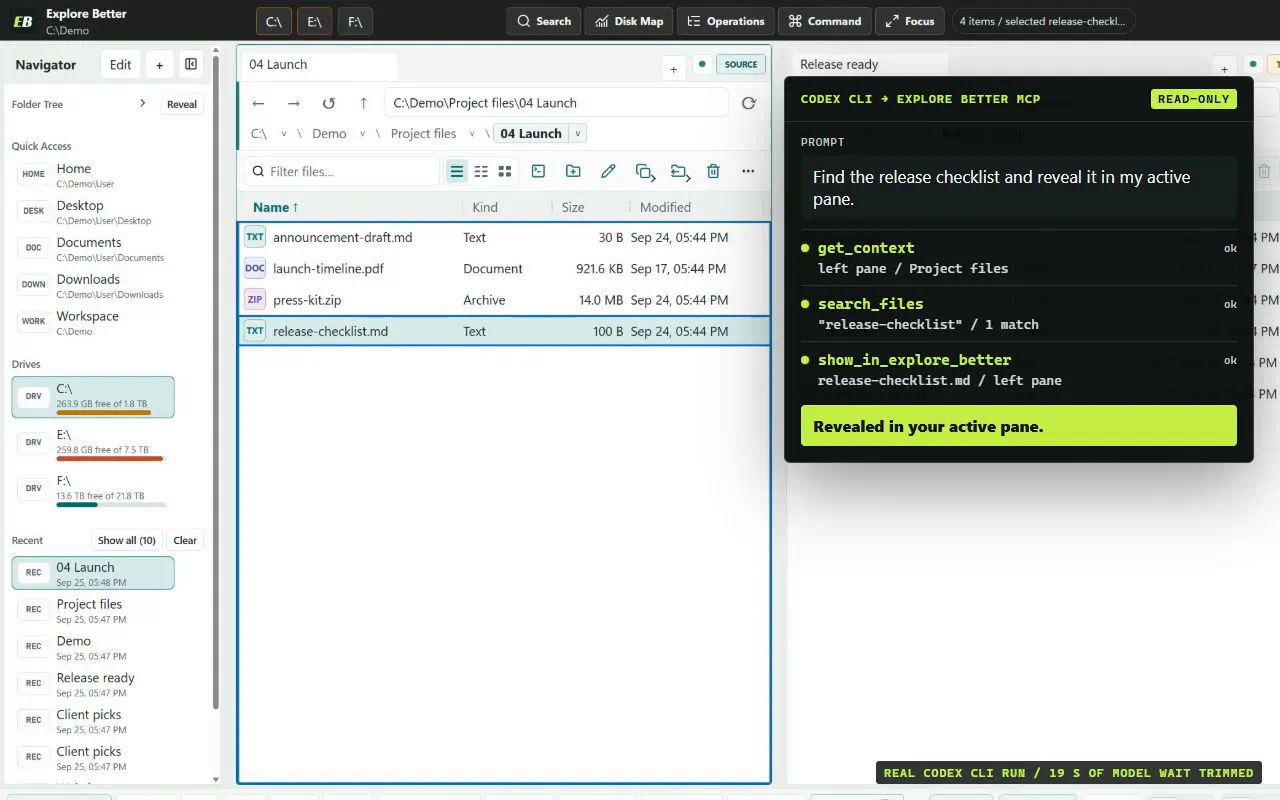
Connect Codex to the local Explore Better MCP sidecar for active-pane context, indexed file discovery, disk analysis, and recoverable file operations.
Add Explore Better to the VS Code MCP configuration and give coding agents safe, local access to selected Windows folders and analysis tools.
Explore Better exposes a standards-based local MCP server for OpenAI clients that support local stdio MCP connections, with Codex setup available today.
A client name never grants trust. Every connection is constrained by its own profile, authorized roots, tool permissions, limits, and write policy.