
For people
Dual panes, tabs, native listing, per-tab terminals, visual disk analysis, search, previews, and reversible Explorer integration.
A real Explorer replacement for you. A structured, permissioned file workspace for your AI.
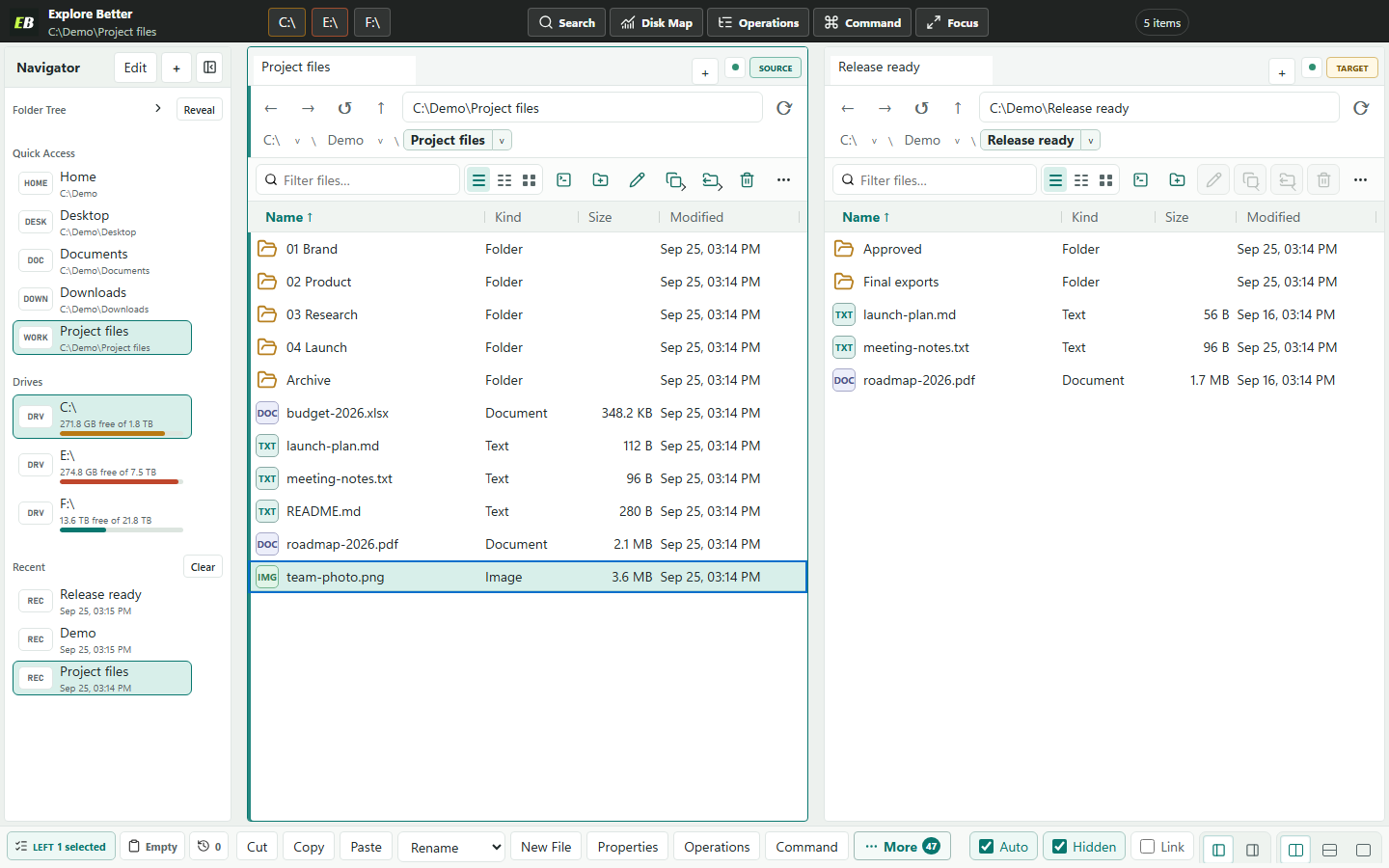
Terminal agents know what commands printed. Explore Better gives an AI the same active panes, tabs, selection, authorized roots, indexes, and operation history that you can see.
Dual panes, tabs, native listing, per-tab terminals, visual disk analysis, search, previews, and reversible Explorer integration.
Thirty-two typed MCP tools plus 22 selector-free semantic actions for context, discovery, analysis, safe UI control, planning, operations, progress, cancellation, and undo.
Explore Better owns Windows permissions, root policy, path validation, transaction journals, recovery records, and the visible workspace.
A terminal is still available in every tab, but reliable file work benefits from typed pagination, durable jobs, exact errors, and plans that can be inspected before anything changes.
File entries, checksums, duplicate groups, folder comparisons, and Analyzer results return as bounded structured data.
Mutation tools plan first. Apply tokens expire, are one-use, and bind the current paths, policy, plan digest, and filesystem signatures.
The AI works through the same indexes, Analyzer, operations queue, recovery system, and pane state as the desktop app.
Stable semantic actions expose validated inputs, disabled reasons, stale-context protection, visible outcomes, and event-driven waits without selectors or scripts.
Compared with equivalent fresh PowerShell processes on the same deterministic fixture, three measured runs. A warm persistent shell may be faster. See the published benchmark for method and raw timings.
Install the Windows app, enable AI Bridge, authorize one folder, and connect the client you already use.